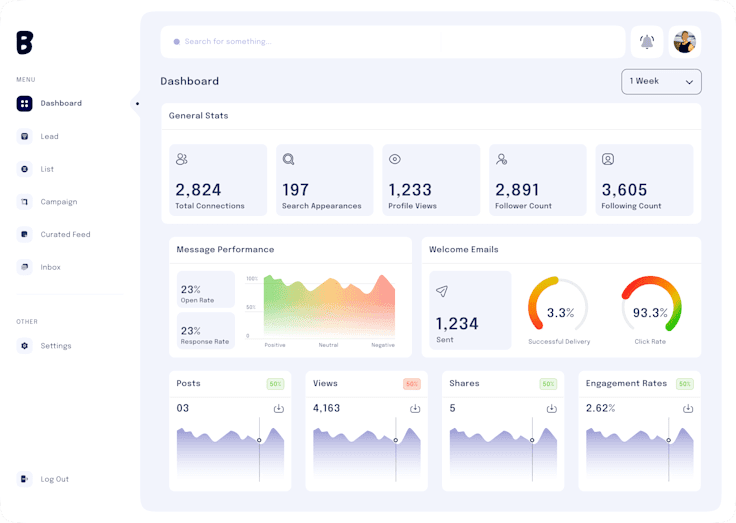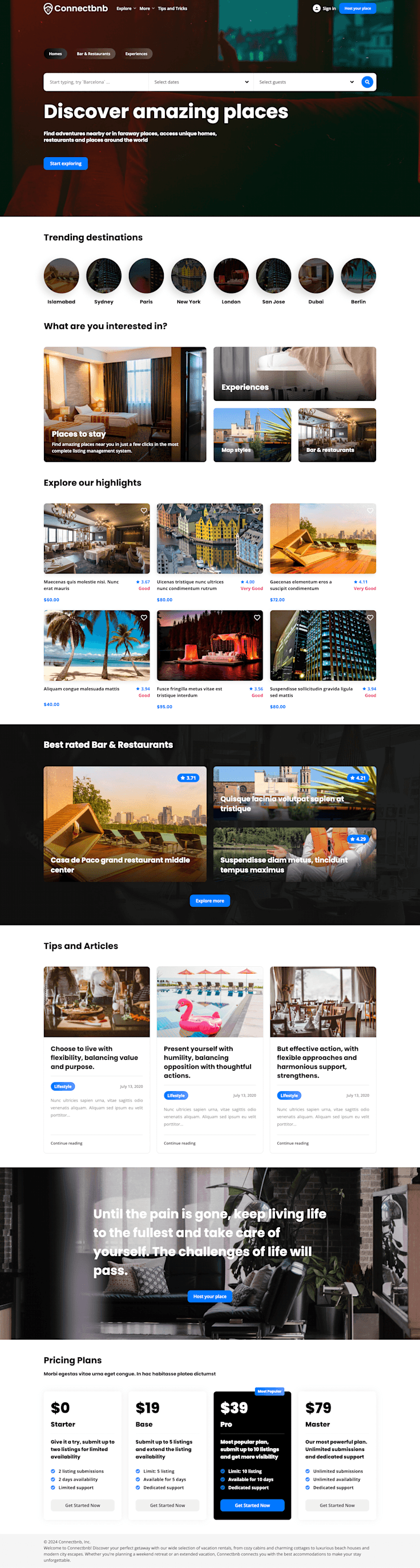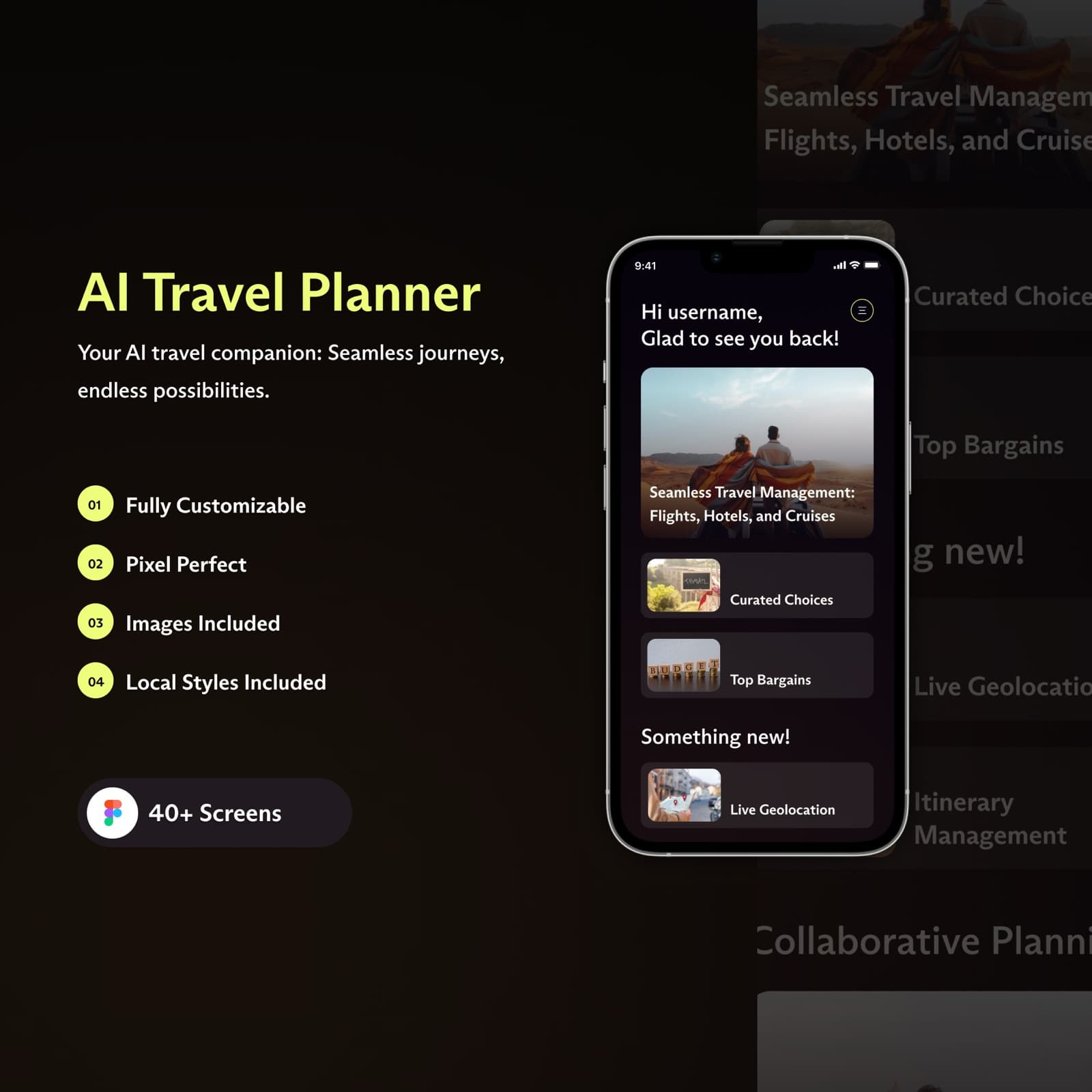
In tech circles, the term 'UI/UX' is thrown around constantly, often used as a catch-all buzzword for anything related to how an app or website looks. But treating UI and UX as interchangeable cosmetic exercises is one of the most expensive mistakes a founder can make. Design is not just how something looks; design is fundamentally how it works.
1. The Fundamental Difference: UI vs. UX
To understand digital product design, separate the user experience from the user interface:
• UX (User Experience Design) is the architectural blueprint. It is concerned with user motivation, task completion speed, reducing cognitive friction, and ensuring that a visitor can achieve their goal with zero confusion. UX answers: 'Is this path logical, efficient, and satisfying?'
• UI (User Interface Design) is the sensory execution. It focuses on visual hierarchy, typography scales, color harmony, button states, micro-animations, and brand distinctiveness. UI answers: 'Is this interface clear, visually appealing, and trustworthy?'
Think of a house: UX is the floor plan, the plumbing, and the door placements. UI is the interior decor, lighting fixtures, and paint finish. A stunning room is useless if the doorway is blocked.
2. Why UX Directly Dictates Commercial Success
Research consistently proves that every dollar invested in intuitive UX returns up to $100 in saved development time, reduced customer support overhead, and increased conversion rates.
In modern digital markets, switching costs are near zero. If a B2B user struggles to find where to invite a colleague or configure an integration, they will abandon the platform in favor of a competitor. Great UX acts as your silent sales team.
3. The 4 Phases of Modern Digital Product Design
At Codiest, our product design engagements follow four disciplined stages:
Phase 1: Discovery & User Journey Mapping. We map out who the user is, what problems they are solving, and outline step-by-step task diagrams before any visual sketching begins.
Phase 2: Wireframing & Information Architecture. Low-fidelity structural wireframes that validate hierarchy and layout without the distraction of colors or typography.
Phase 3: High-Fidelity UI & Design Systems. We establish scalable Figma component tokens, accessible color contrasts, autolayout constraints, and interactive states.
Phase 4: Clickable Prototyping & Developer Handoff. Creating fully interactive prototypes to test real user scenarios and providing pixel-perfect specifications for engineering.
4. Debunking 4 Harmful UI/UX Misconceptions
Myth 1: 'Design is just making things pretty.' (Fact: Design is problem-solving and conversion engineering).
Myth 2: 'We can build the backend first and slap the UI on later.' (Fact: Architecture should be informed by user needs, not developer convenience).
Myth 3: 'Users don't read, so we don't need copy hierarchy.' (Fact: Users scan; clear typography hierarchy guides where their eyes land).
Myth 4: 'A great product sells itself without good UX.' (Fact: Mediocre products with great UX consistently outsell superior technology with terrible UX).
Conclusion
Investing in deliberate UI/UX design is not an optional luxury—it is the foundational moat that determines whether your digital product thrives or gets ignored in an increasingly crowded market.
Ready to elevate your product's user experience?
Explore Codiest's UI/UX design capabilities and see how our clickable prototypes and design systems accelerate product growth.